by a DM who has definitely bricked a router before
Hosting Foundry VTT used to feel like a side quest — one of those annoying ones where the reward is “it works now” and the penalty is “your entire network collapses.”
I’ve been hosting Foundry since June 2020, and in that time I’ve tried everything:
- Self-hosting
- Router wizardry
- ngrok tunnels
- Free hosting
- Dedicated Foundry hosting
- “Please gods let this work before session in 15 minutes” hosting
This guide is the version I wish I had when I started.
Let’s walk through every real option you have in 2025.
Hosting Option #1: Self-Hosting
Self-hosting is the classic DM approach: If it breaks, you fix it. If it works, you take all the credit.
Traditional Self-Hosting (Port Forwarding)
This is where most people start, and also where most people discover:
- Their router firmware was designed by an eldritch being
- Their ISP changes their public IP at random
- Port 30000 becomes their entire personality
Pros
- Free
- Fully under your control
- Great for LAN games
- Performs well on decent hardware
Cons
- Port forwarding
- Dynamic IPs (your modem restarts → your players get locked out)
- Requires uptime and updates
- SSL certificates (a horror all on their own)
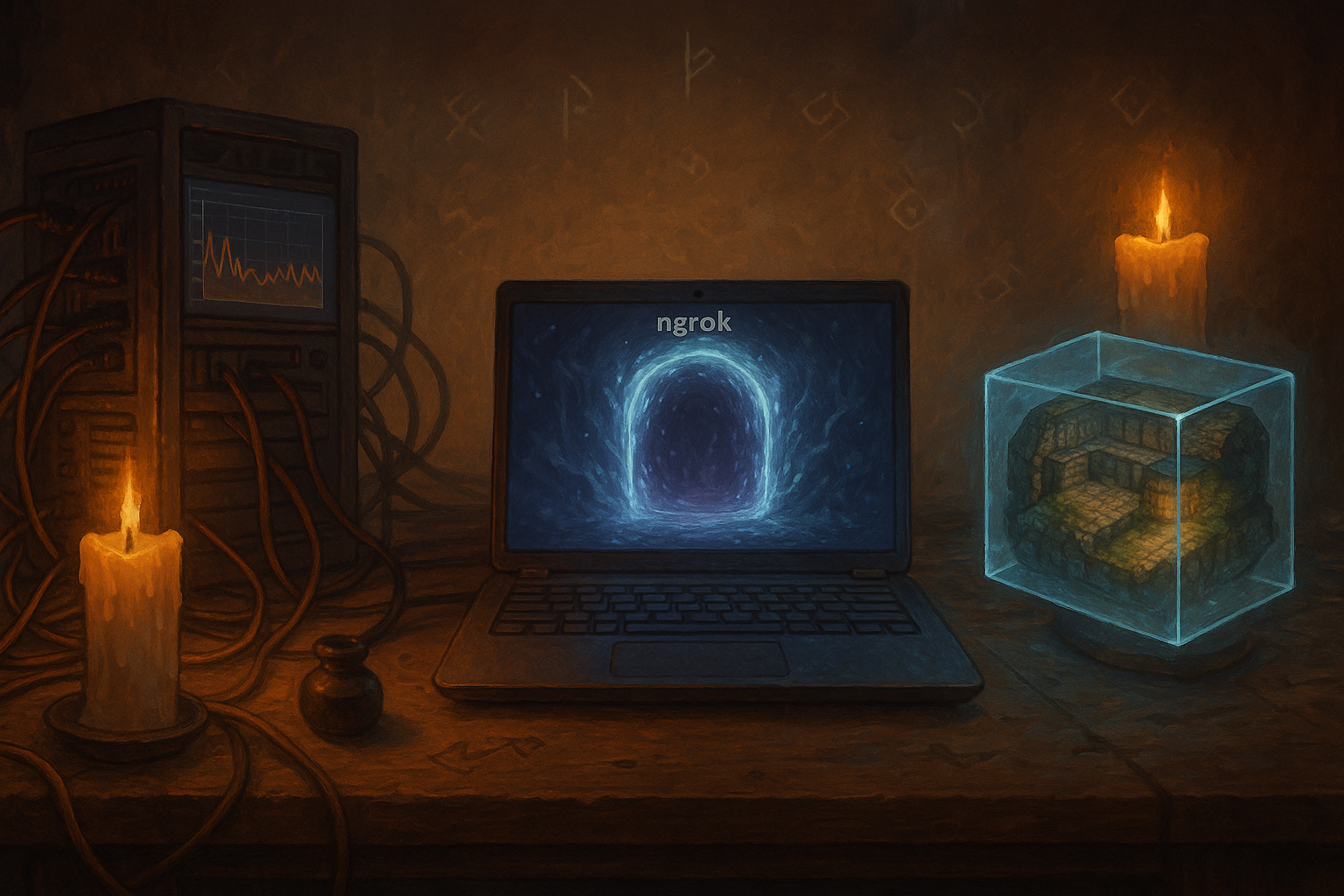
Modern Self-Hosting: ngrok
If port forwarding is black magic, ngrok is the helpful wizard who speaks Common.
Here’s how it works:
- You run Foundry on your PC
- You run ngrok
- Ngrok creates a secure public tunnel
- You share the tunnel URL with your players
- Zero router configuration needed
It’s the closest thing to “I want to self-host but I also like my sanity.”
Pros
- No port forwarding
- No router access needed
- Works even behind strict ISP firewalls
- Great for temporary or traveling games
- Encrypted tunnel included
Cons
- ngrok’s free tier rotates URLs
- Not ideal for 24/7 worlds
- Your PC must stay awake and online
- Performance still depends on your machine
For many DMs, ngrok is the perfect “middle path” — self-hosting without the networking nightmare.
Hosting Option #2: Free Hosting
Ah, free hosting. The siren song of every DM trying to save money before buying 40 paid modules on sale.
And yes, free Foundry hosting technically exists — but it’s usually:
- Slow
- Unreliable
- Temporary
- Limited to tiny storage
- Missing backups
- Running on hardware held together by hope and duct tape
Think of free hosting as “Foundry VTT on story mode.”
Great for testing.
Not great for running your Level 11 boss fight with animated fog, weather, and 30 active modules.
Hosting Option #3: Dedicated Foundry Hosting (Managed Cloud)
This is what most people actually mean when they say “cloud hosting” — but since we removed the old Option 2, we’ll keep it as the single cloud-like choice.
This is where providers like MyVirtualTabletop step in.
And let me speak honestly as a DM, not as a hosting provider:
When you’re 10 minutes away from a session and something breaks, dedicated hosting is the difference between “panic” and “I guess I’ll make tea.”
Dedicated hosts exist because most DMs don’t want to:
- Fight with routers
- Configure SSL
- Manage firewalls
- Worry about uptime
- Repair corrupted storage
- Deal with random Windows restarts mid-session
Pros
- No setup
- No port forwarding
- Always the same URL
- Uptime handled for you
- Setup takes minutes
- Better stability
- Some include automated backups
- Optimized specifically for Foundry workloads
Cons
- Monthly cost
- Some hosts charge extra for storage or backups (read: Hidden Costs of Foundry Hosting)
If you want a detailed look into why guaranteed CPU matters, check out:
What Does Guaranteed CPU Mean?
How to Choose the Right Hosting Option (2025)
After 5 years of hosting Foundry VTT campaigns, here’s the clear, honest breakdown:
If you enjoy tech and don’t mind tinkering:
Self-host
→ ngrok is the easiest version
→ port forwarding is the old-school version
If you’re budget-focused and experimenting:
Try free hosting
→ but don’t expect miracles
If you want reliability, minimal setup, and no stress:
Use a dedicated Foundry host
For most DMs, performance and stability matter more than saving €3–€5 per month.
Because nothing kills a dramatic scene faster than:
“Uh… hold on guys, my router crashed.”
What Actually Matters for Foundry Hosting
Guaranteed CPU
Foundry is CPU intensive. Unreliable CPU = lag, stutters, slow map loads.
RAM
1–2 GB for simple games
3–4 GB for effects-heavy maps or big module stacks
Storage
Maps and modules grow faster than goblins in a cave.
Uptime
Your world should be stable even when your PC is off.
Backups
Critical. Always.
(Self-hosters: trust me, set up backups.)
Idle Shutdown
A clever cost-saving feature some hosts use — and when done right, players will never notice.
→ See: Why We Use Idle Shutdown